




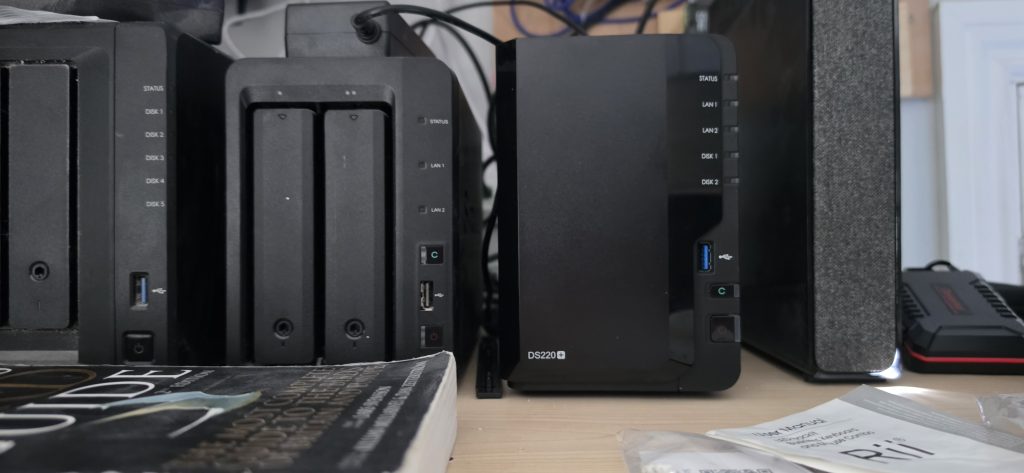
Synology Turn Lights off
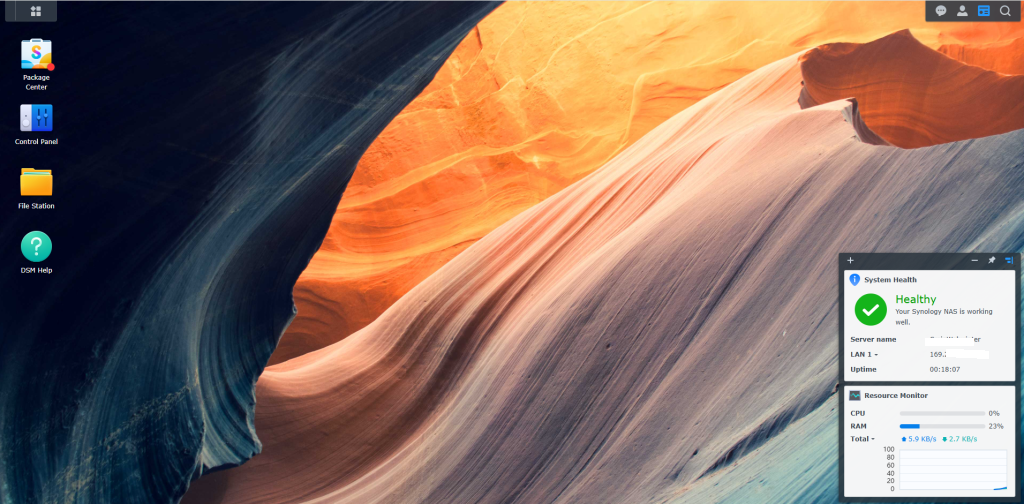
Step 1
Login to your DSM system.
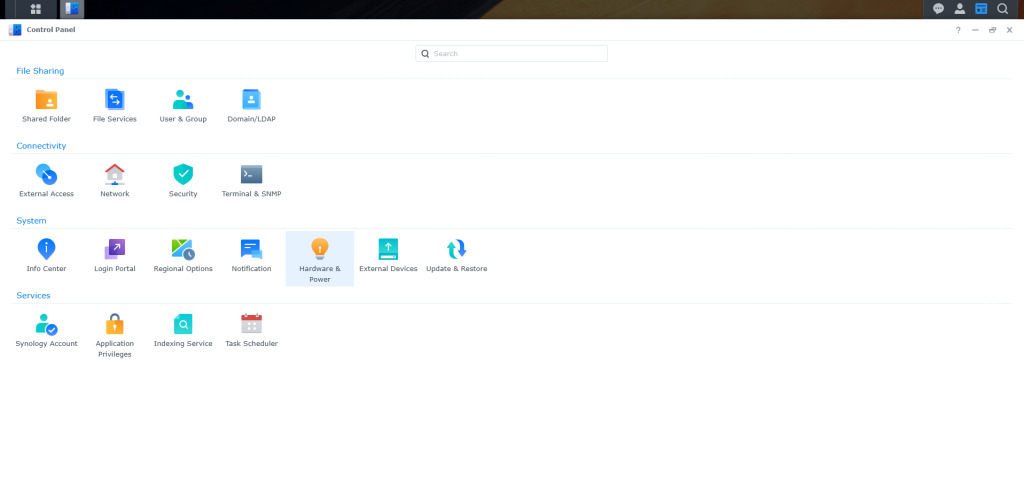
Step 2
Select the 4 Dots top left and select control panel.
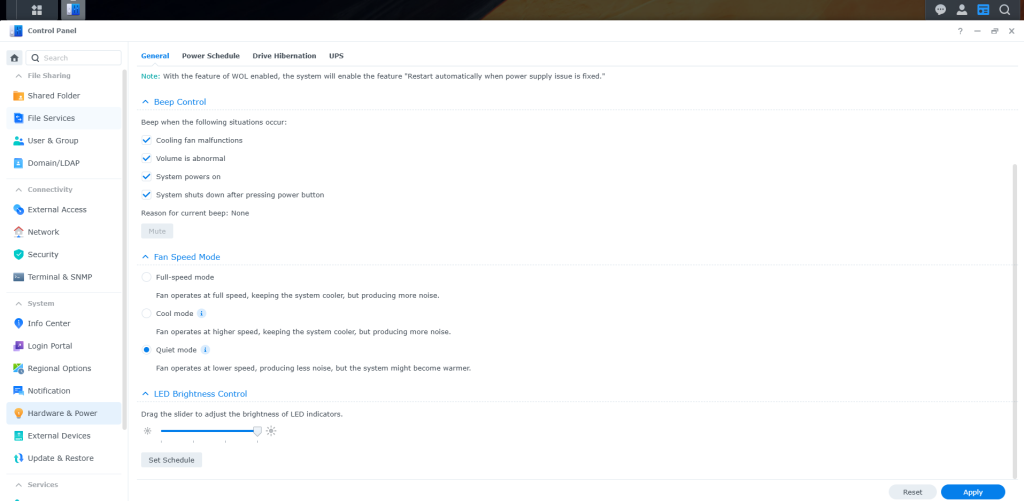
Step 4
Select Hardware and Power.
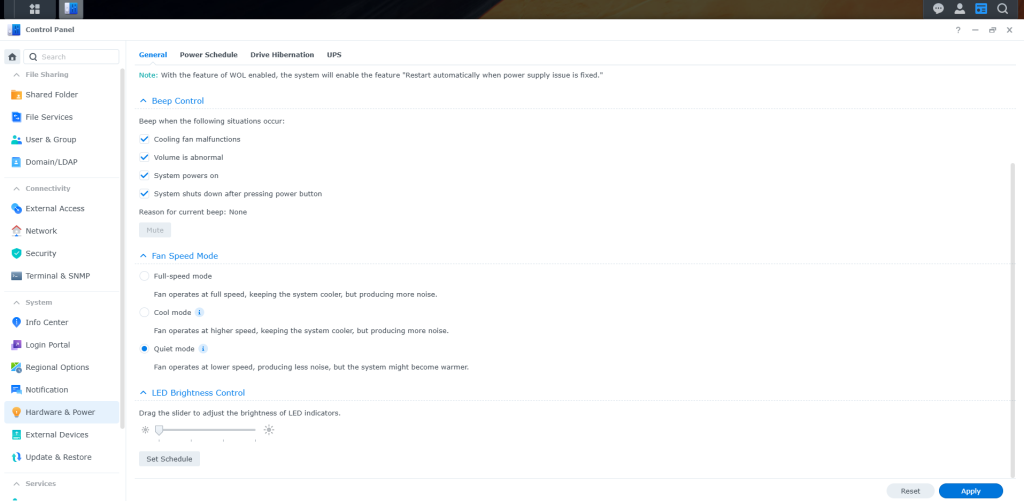
Step 5
Look down the list to LED brightness control. you can see mine is set to minimum . Slider is left so mine lights are off, if you move this to the right and select apply bottom right. you will see your lights then change on your NAS. This feature is available on some Stations so it depends on the NAS model you have.