




Synology Container manager
Step 1
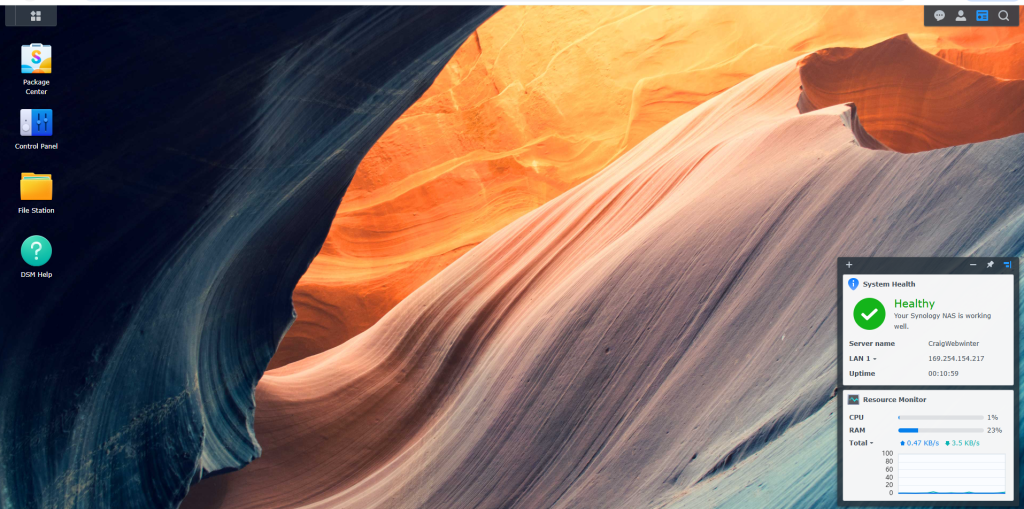
login to Synology DSM
Step 2
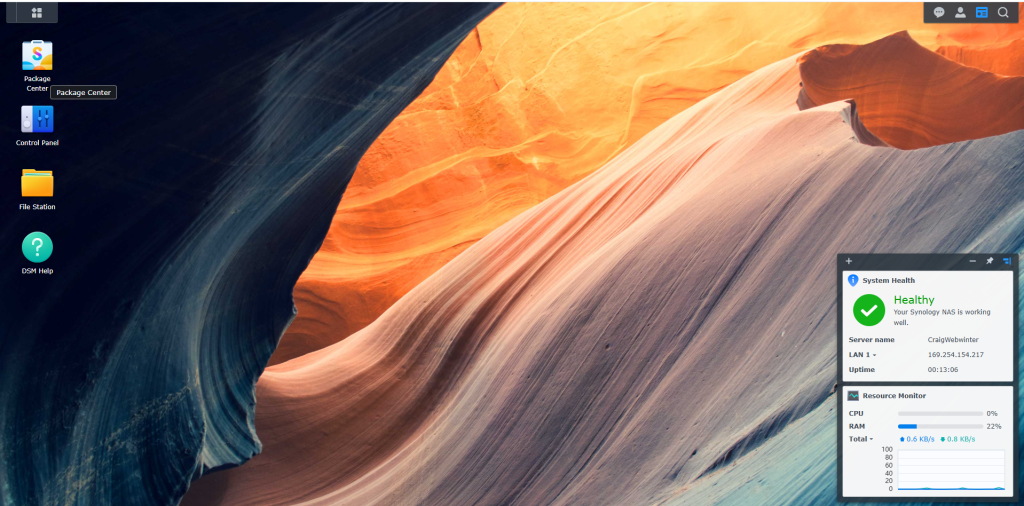
Select package centre
step 3
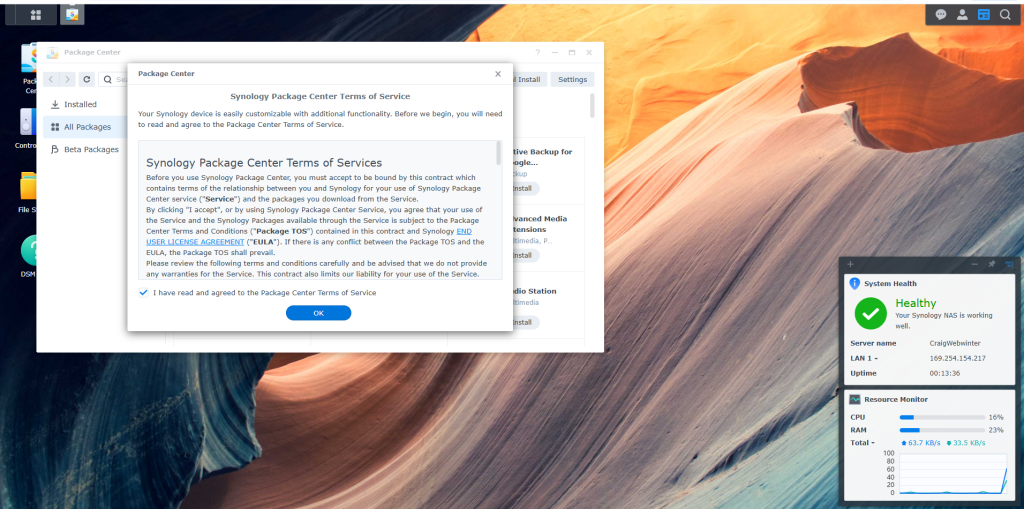
read the terms of usage and select ok
Step 4
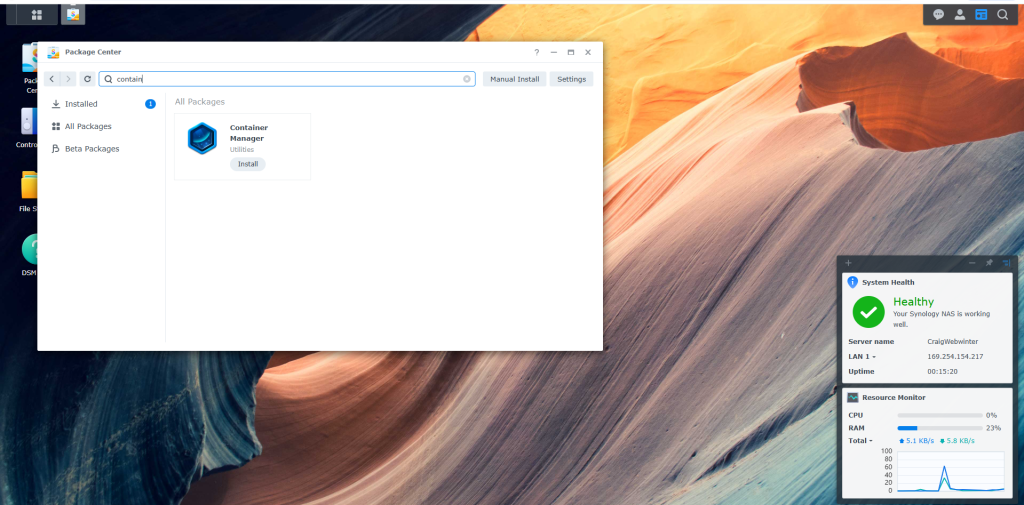
type in container and search like i have done as its faster or u can just scroll through what apps there are.
step 5
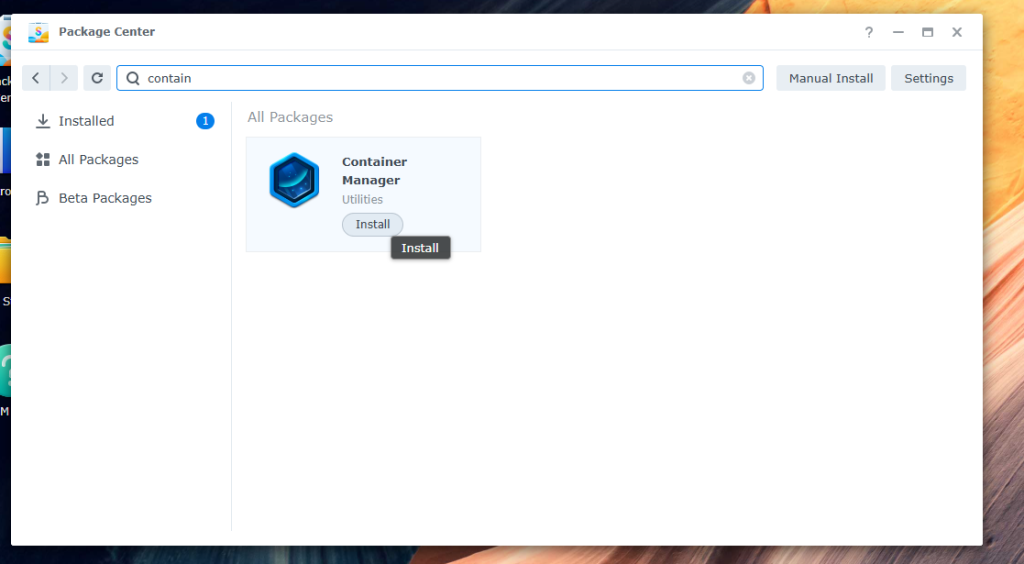
Select install, This will start the download process
step 6
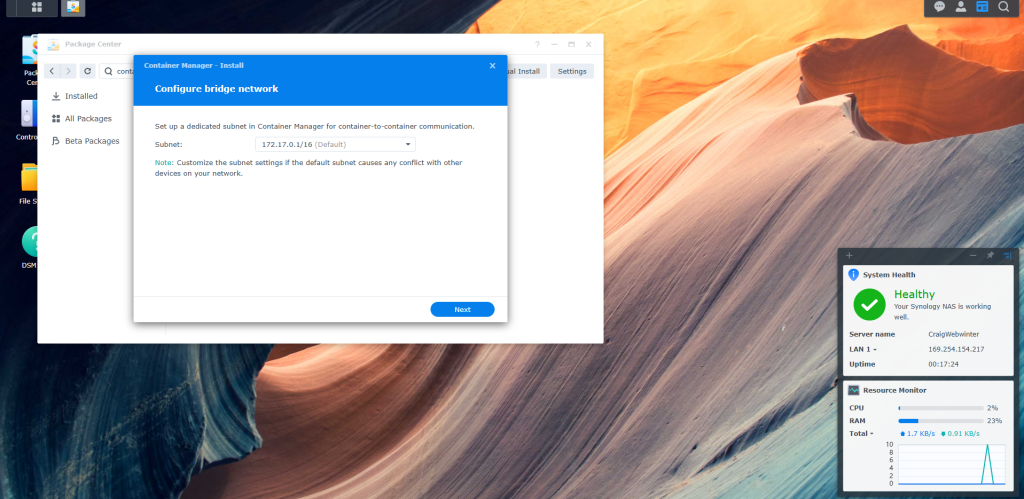
Configure bridge network. and select ok
step 7
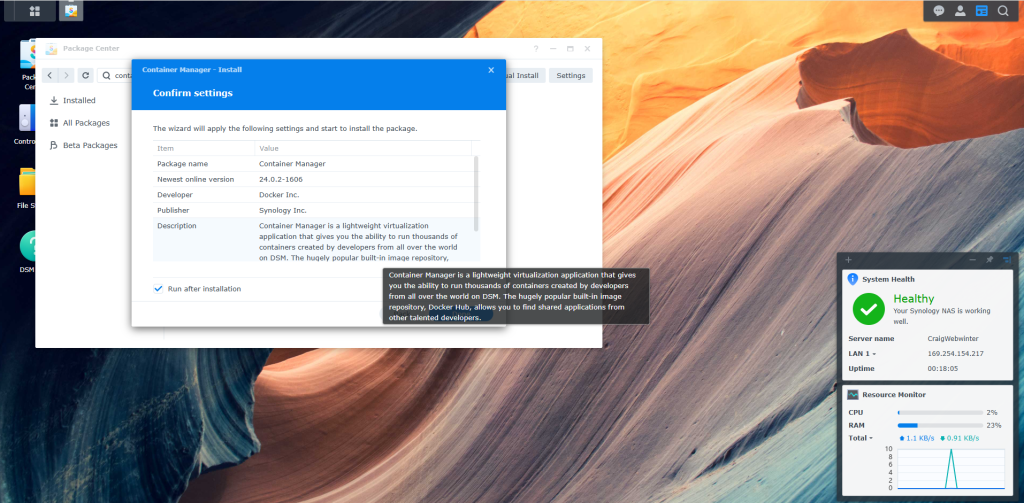
Confirm Settings and select done
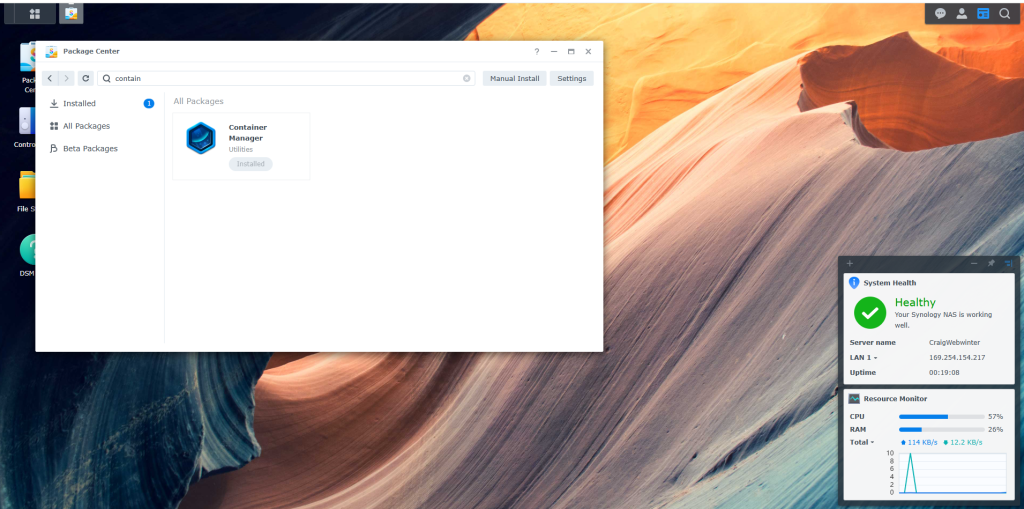
Step 8
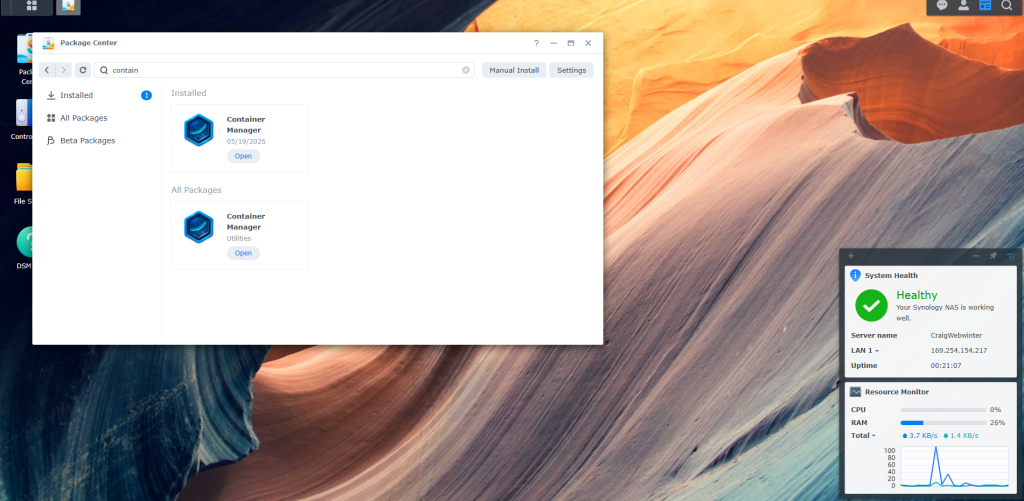
wait for the Container manager to start, When complete you will see container manager pop up in the all packages section.
Step 9
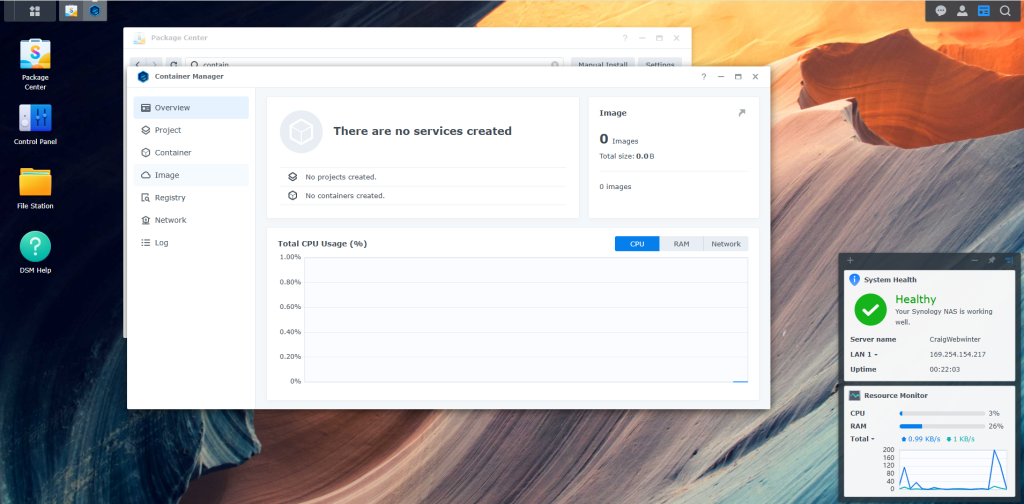
Select open.
Summary
Very easy to setup and Get going. i have norticed there is 26% used of ram now i have this running on my DS220+. this only has 2Gb of Ram i do have 8gb for it coming. so i will see how this compaires as i install dockers onto the DSM.